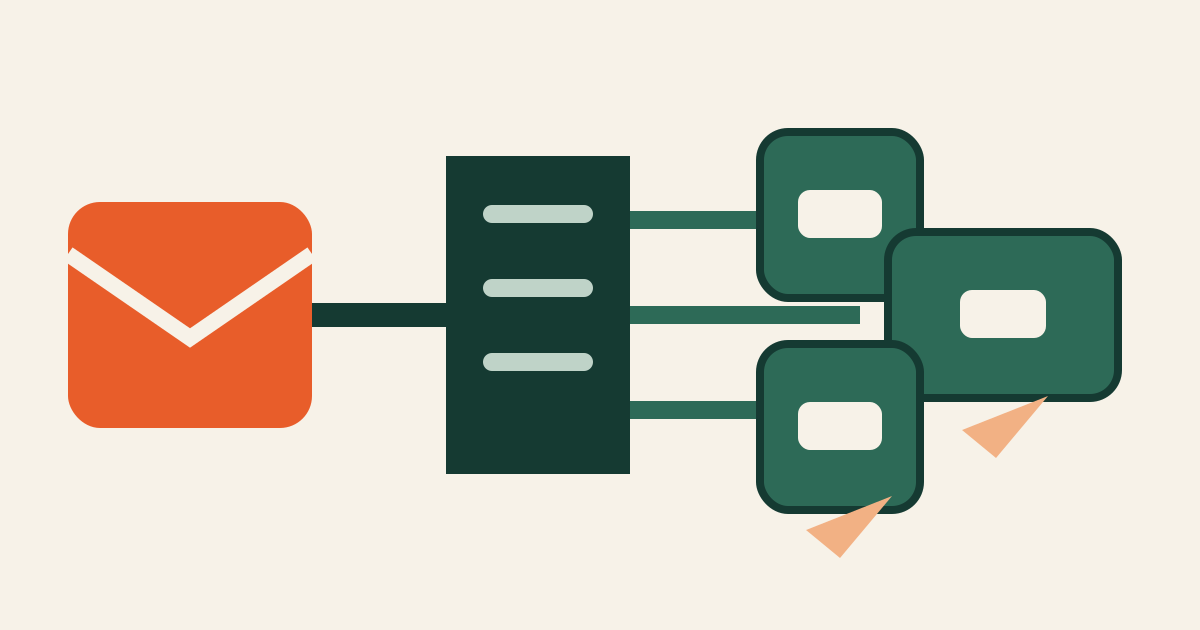
The CRA user-notice duty is not completed by writing an advisory and leaving it in a draft folder. The manufacturer needs a risk-based audience decision, usable mitigation or corrective information, and evidence that the chosen channels reached the intended users.
Commission guidance also makes the boundary clear: informing users does not mean every detail must be made public or disclosed indiscriminately.
Define the reachable audience
Start from the affected product and version map. Identify direct account holders, registered device owners, licence administrators, enterprise security contacts, resellers, distributors, managed-service partners, package users, and anonymous download populations.
For each group, record why it is impacted, what action it can take, which contact data or channel is available, and who controls that channel. Distinguish “unknown contact” from “not affected.”
Decide whether the evidence supports an impacted-user audience or makes communication to all users appropriate. Preserve the risk reasoning. Audience size should follow product and impact facts, not the convenience of one mailing list.
Match channel to user action
Choose channels users already rely on for security information: authenticated product notices, administrator email, support portals, security advisories, update interfaces, distributor communications, or machine-readable advisory feeds where appropriate. Use more than one channel when a single path is incomplete or time-sensitive.
Give intermediaries a controlled package, a distribution deadline, the affected population definition, and a way to report delivery results. Do not assume a contract clause proves that downstream users received anything.
Limit public detail when broad disclosure would create unnecessary exploitation risk or expose unrelated confidential information. The notice still needs enough product identity, risk explanation, and actionable measures for its audience.
Capture delivery evidence
For every channel, retain the approved notice version, target population snapshot, send or publication time, delivery result, bounce or failure list, intermediary acknowledgement, and owner for retry. Record what a logged-in user actually saw, not only that a campaign job ran.
For public or anonymous distribution, preserve publication evidence, feed output, cache-visible page, and version history. Avoid using page-view counts as proof that every affected user was informed.
Manage inaccessible users
Create a queue for missing addresses, departed administrators, reseller gaps, dormant accounts, and unsupported versions. Assign a proportionate next channel and deadline. Escalate material coverage gaps to product security and legal rather than silently closing them.
Reissue or update the notice when affected scope, mitigation, or corrective measures change. Link each revision to the technical evidence and explain whether the target audience changed.
The final record should answer five questions: who needed the information, why that audience was selected, what they were told, how delivery was attempted, and what the manufacturer did when delivery failed.
Continue this workflow with the impacted-audience decision and the user-notice drafting workflow.